Keep Label Printing Running at Your Prep Center
Nothing stops a prep line faster than a printer that won’t print. Units are waiting on the bench, a shipment needs to go out, and someone is restarting the browser for the third time.
This round of PrepBusiness updates is about keeping labels moving: a fix for a Chrome change that can block label printing, a printer test that prints a real label, steadier stations, and a quicker way to check products against Amazon’s requirements.
Why label printing breaks
In a Prep Center, labels are part of almost every job that leaves the building. When printing stops, the line stops with it, and your team loses time working out whether the problem is the printer, the label roll, the computer, or the software.
Printing from a browser adds one more link to that chain. PrepBusiness runs in your browser and sends labels to your printers through QZ Tray, a small app installed on your computer. If the browser can’t reach that app, nothing prints.
Label printing that keeps working in Chrome
Chrome has introduced new Local Network Access restrictions. These limit how websites can talk to apps running on your own computer or network, and they can block the browser from reaching QZ Tray.
PrepBusiness now works around these blocks, so label printing through QZ Tray in Chrome keeps working.
Test your printer with a real label
Stations in PrepBusiness hold the printer settings for a workstation.
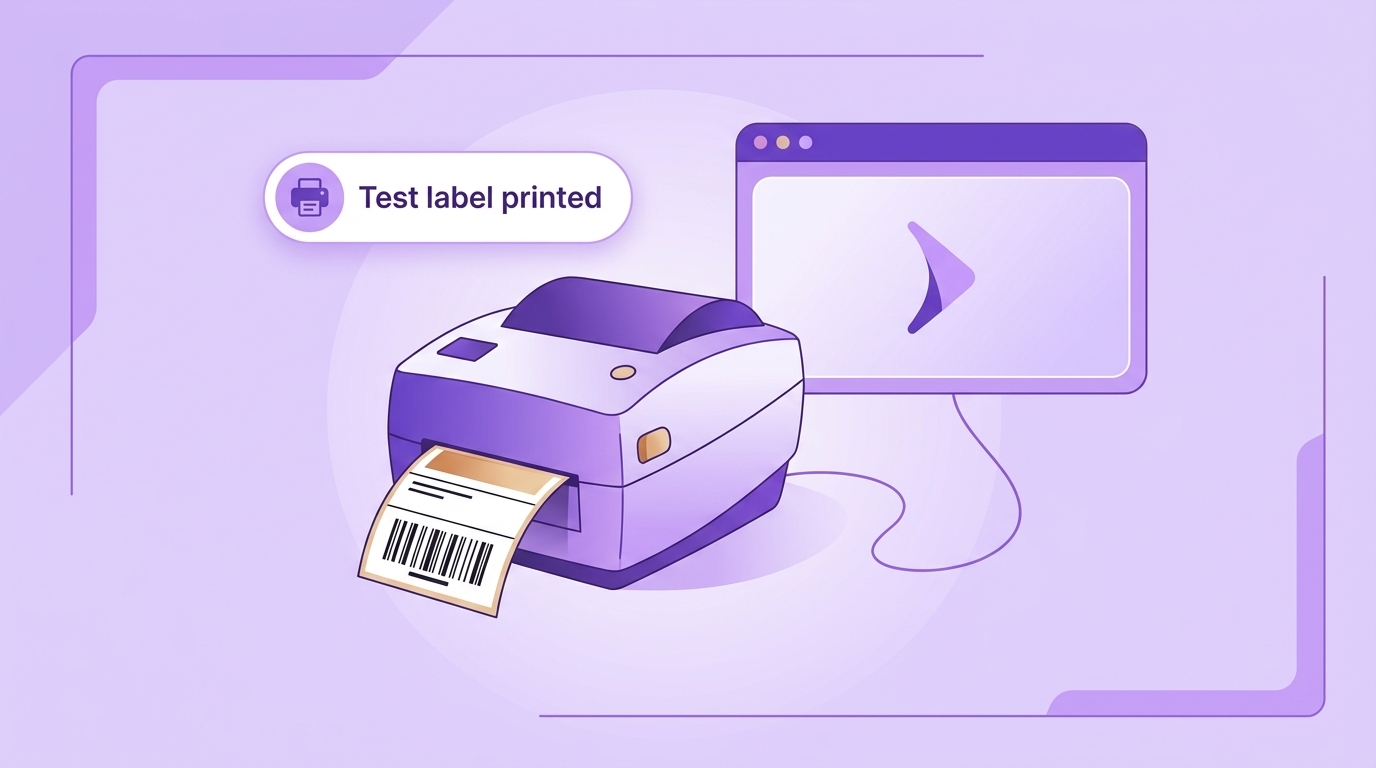
When you test a barcode printer on a station, PrepBusiness now prints a real barcode label. You can check that the printer and the label setup are right before work starts, instead of finding out halfway through a shipment.
The barcode printer test is available once the station’s printer settings are saved, so you’re testing the setup your team will use.
We also fixed an issue where stations could get stuck in a busy state.
FBA eligibility and prep details in one step
Before a product goes to Amazon, two questions matter. Is it eligible for FBA (Fulfillment by Amazon, where Amazon stores and ships the product for the seller)? And what prep does Amazon require for it?
PrepBusiness now refreshes FBA eligibility and prep details from Amazon together, so you get both answers in one step.
Clearer results on shipments
A few smaller changes make shipment screens easier to read:
- Identifier lookups: When a lookup of a product’s Amazon identifier fails on a shipment, it now shows as no match instead of an error.
- Transportation options: The error message for FBA transportation options, the shipping choices for sending a shipment to Amazon, no longer refers to a step number.
Getting started
If your team already uses stations, run the barcode printer test on each one after its printer settings are saved. It’s a quick way to confirm everything is ready before the next shipment arrives.
For setup instructions, see our help documentation: Printing Labels. If labels still won’t print, work through Troubleshooting Label Printing Issues.
Questions about label printing or stations? Reach out to support@prepbusiness.com.