Faster Shipment Lists, New Filters & More
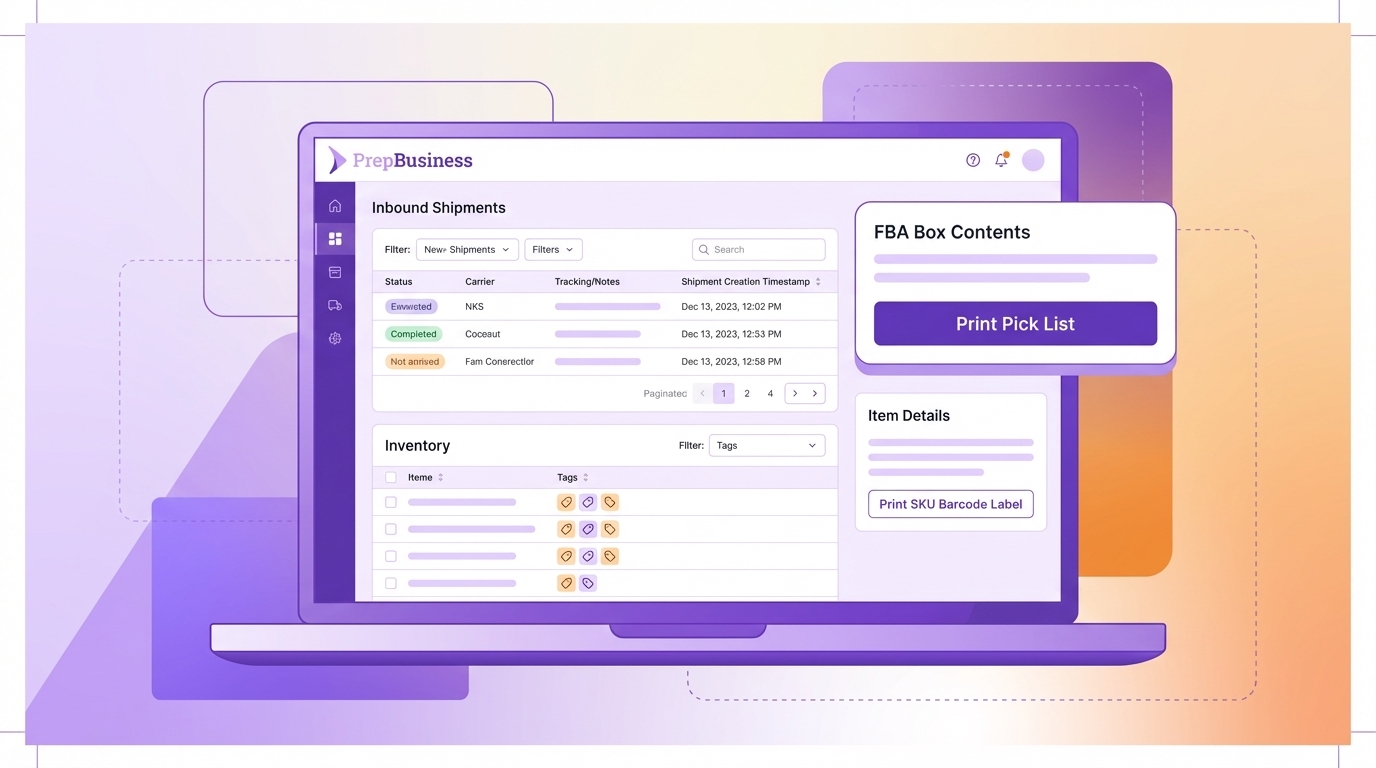
A faster inbound shipments list, new filters across shipments and inventory, a pick list button inside FBA box contents, and a handful of quality-of-life improvements — here’s everything that shipped in the past two weeks.
Inbound Shipments List Is Now Paginated
The inbound shipments list previously loaded every shipment at once, which made it slow for warehouses with large shipment histories. It’s now paginated, so the page loads quickly regardless of how many shipments your account has accumulated.
Alongside pagination, we’ve added a Status filter so you can quickly narrow the list to Open, Shipped, or Received shipments. The search bar now includes notes, internal notes, and tracking numbers in results — so if you remember a note or a tracking ID, you can find the shipment without knowing its name. And the list updates live when shipment tags, names, or statuses change, so everyone on your team always sees current information.
Tag Filter on Inventory
You can now filter inventory items by tag directly from the inventory list. Select a tag from the filter dropdown to see only the items assigned to it — useful for isolating a product category, a client’s inventory, or any other grouping you’ve set up with tags.
Print Pick List from FBA Box Contents
A Print Pick List button is now available in the remaining quantities panel of the FBA box contents workflow. If you’re mid-way through boxing a shipment and need a pick list for the items not yet assigned to boxes, you can generate one without leaving the workflow.
Print SKU Barcode Label from Item Details
A print button has been added next to the merchant SKU on item detail pages. Click it to open the barcode label printer pre-loaded with the SKU — consistent with the existing print buttons for other identifiers on the page.
Shipment Creation Date in Details
The date and time when an inbound shipment was created is now shown in the Shipment Details section of the inbound shipment page.
Bug Fixes
- Fixed stale transportation confirmation state when placement options are regenerated in FBA transport
- Fixed in-progress notes being lost when a shipment is refreshed in the background
- Fixed stale inbound shipment data appearing when navigating back to a shipment
- Fixed autoplanner getting stuck at 90% indefinitely
- Fixed FBA box contents and transport plan error handling
- Fixed spreadsheet upload not showing the invalid quantity count, and keeping the filter toggle visible after all items resolve
- Fixed Amazon channel reconnection not propagating fresh tokens to connected channels
- Fixed inbound shipment search timeouts for large catalogues
- Fixed inventory report syncs clearing listing conditions
All of these updates are live now. If you have questions, reach out to support@prepbusiness.com.