Cut Client Emails and Speed Up Your Warehouse Floor
Most prep centers do not lose money on the prep. They lose it on everything around the prep: the status emails, the manual reconciliation, the billable service that never made it onto the invoice.
The last few months of PrepBusiness updates have been aimed squarely at that overhead. Here is what changed and why it matters to your margins.
Your Clients Can Answer Their Own Questions
A large share of support time goes to clients asking where something is or asking you to change something on their behalf. Several updates chip away at that:
- Cancellation requests. Clients can request cancellation of an outbound shipment from their own login. The request shows up on the shipment in real time and you approve or deny it. No email thread.
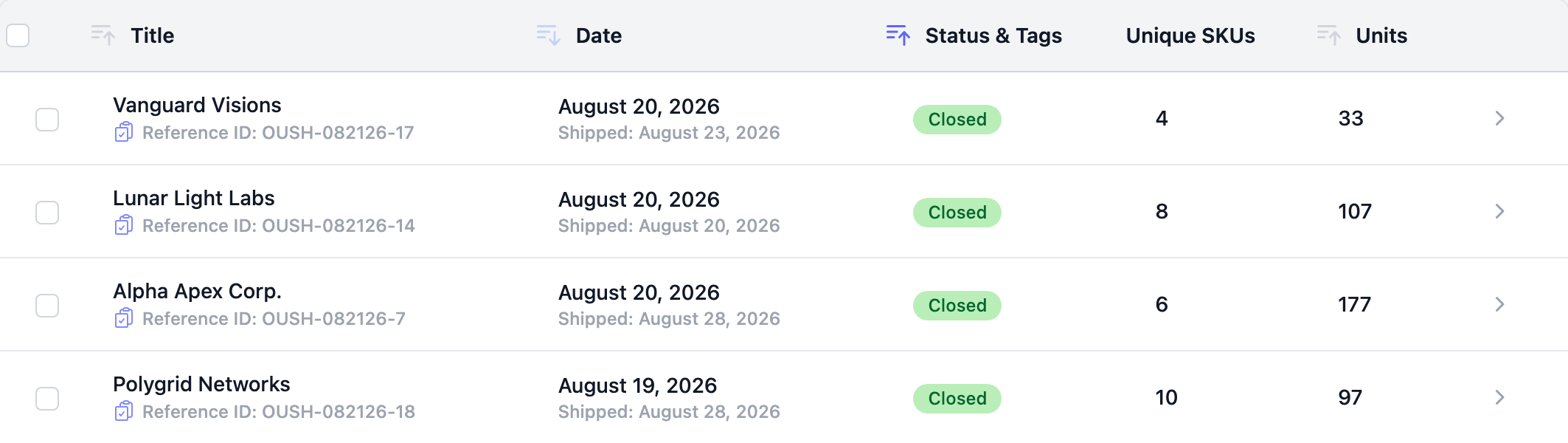
- Reference IDs. Every outbound shipment now carries a reference ID you can copy in one click and search on. When a client asks about “the shipment from Tuesday,” you have a shared identifier to work from.
- Self-service account changes. Merchant owners can edit item titles and update their own contact email and phone without opening a ticket.
Your Amazon Costs Get Ranked Properly
The autoplanner can now rank placement options by fulfillment fee discounts, not just shipping cost. That matters because the cheapest shipping option is often not the cheapest option overall once Amazon’s fee discounts are applied. Each delivery window option shows its discount alongside it, and carriers display readable names instead of SCAC codes.
You can also export and import FBA box contents as a CSV and copy box groups from a previous plan, which cuts the repetitive data entry out of recurring shipments.
Your Notifications Come From Your Own Domain
Shipment and receiving emails can now be sent from your own domain instead of a shared one. The settings page lists the exact DNS records to add and verifies them for you. Your clients see your business in their inbox, and deliverability improves at the same time.
Faster, Safer Sign-Up
New accounts now verify their email address before setting a password, which cuts down on mistyped addresses and abandoned sign-ups.
Onboarding You Can Pick Up Where You Left Off
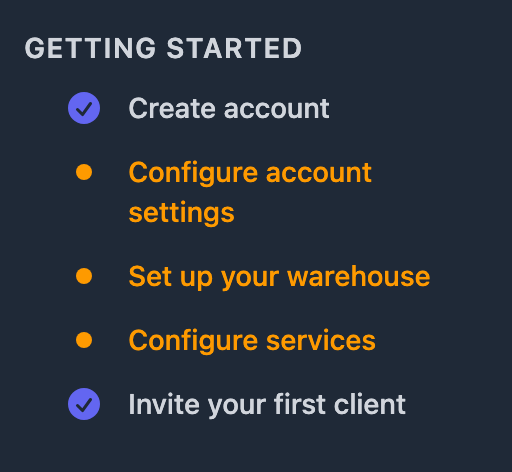
The old pop-up product tour has been replaced with an inline checklist that stays available while you work.
Everything Else
There is a lot more in this release: a Shipped Boxes report, a Pull Listing Data tab and bulk FNSKU cleanup on the Fix Issues page, Print All and Retry Failed Prints in the print queue, WhatsApp as a support channel, and roughly fifty bug fixes. Inbound shipment search, inventory search, and universal search are all substantially faster for accounts with large catalogs.
In Beta: Handheld Scanning and In-Browser Labels
Two features are ready to try but are turned off by default, because we want feedback before we switch them on for everyone.
Handheld scanning workflows. Receiving, FNSKU receiving, and putaway run end to end from a handheld scanner. Each workflow walks a team member through the scan steps one at a time, so they stay at the shelf instead of walking back to a workstation to key something in. Fewer trips to a desk means faster turnaround times, which is exactly the guarantee that higher volume clients ask for before they will move their business to you.
In-browser ZPL labels. FNSKU labels are generated directly in the browser, which speeds up printing to ZPL printers.
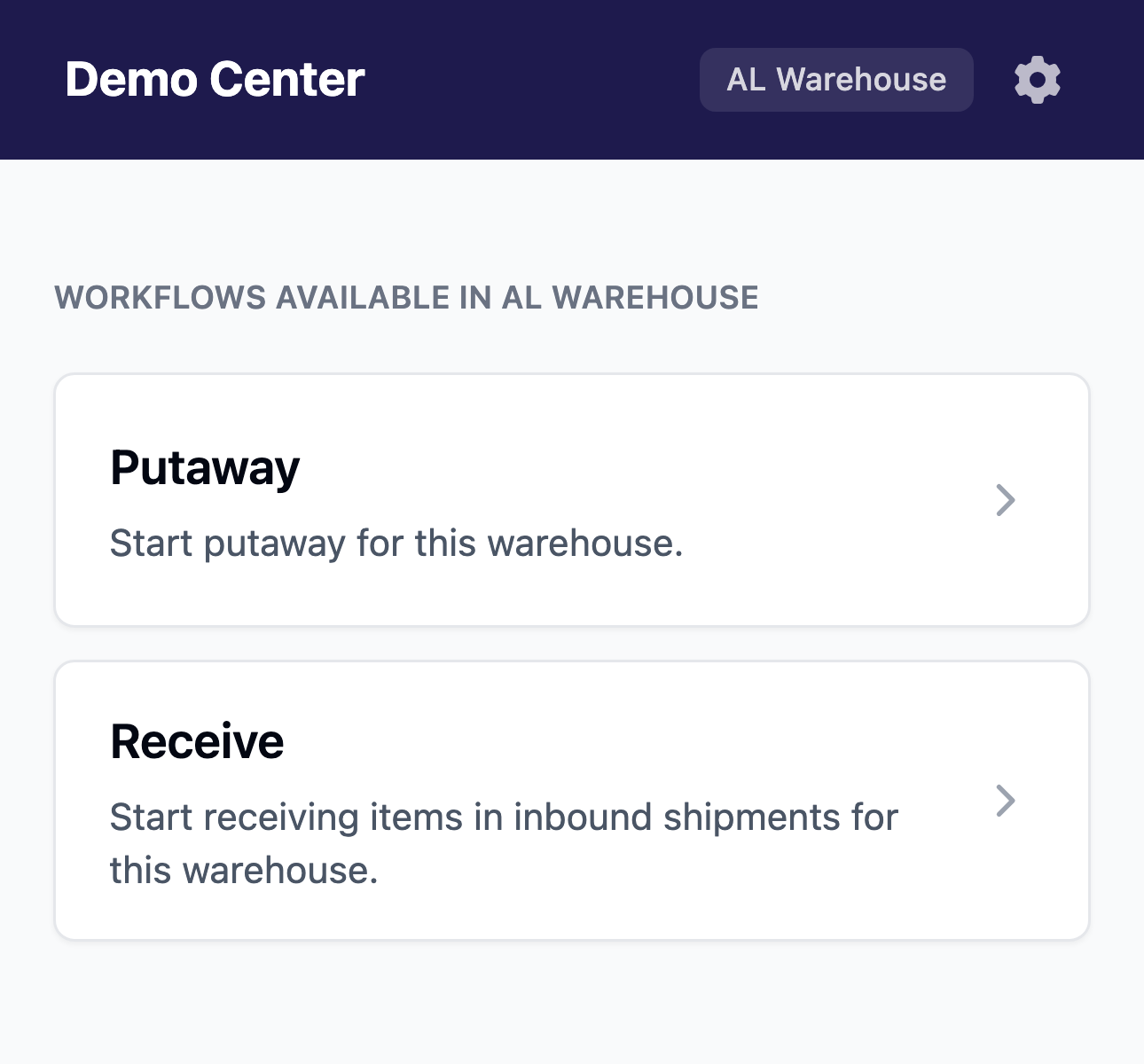
If you want to try either with your team and tell us what needs work, email support@prepbusiness.com and we will switch them on for your account.
Getting Started
Almost everything described here is live in your account now, and most of it needs no setup. Sender domains are worth ten minutes with your team. The two beta features above are the exception, so email support@prepbusiness.com if you would like either one enabled.
For the full list of changes, see the PrepBusiness changelog. For step by step instructions on printing labels and arranging transport, see our help documentation on printing labels and arranging transport for Amazon shipments.