Faster Outbound Shipments, Bulk Listing Data, and Universal Search
If you manage outbound shipments at any kind of volume, you’ve probably noticed the page getting slower as your shipment count grows. Clicking through pages, waiting for filters to load, refreshing to see updates — it adds up fast.
This release tackles that head-on with a rebuilt outbound shipments experience, along with several other features designed to save time across your daily workflow.
Outbound Shipments, Rebuilt
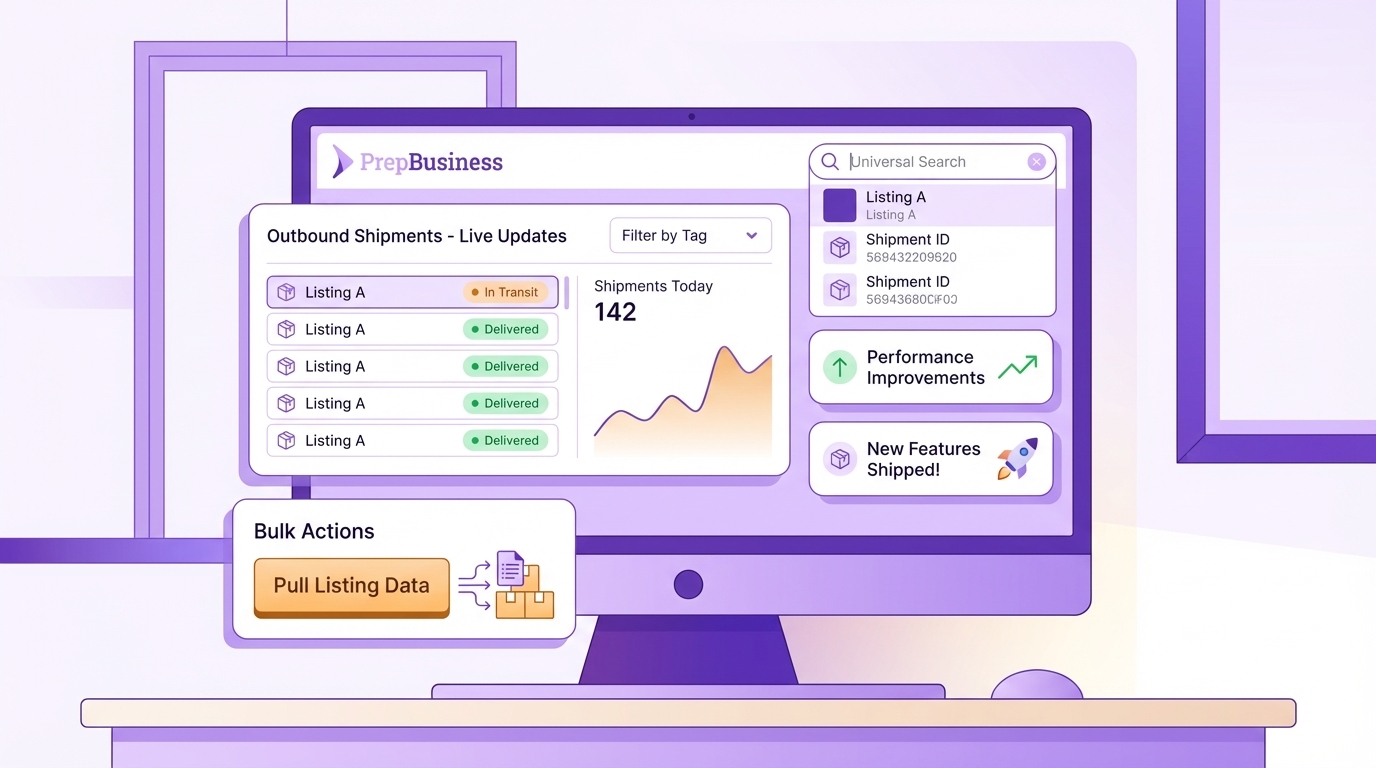
The outbound shipments page has been completely rebuilt with server-side pagination and real-time updates. Instead of loading every shipment at once, the table now loads instantly regardless of how many shipments you have.
New filtering options let you narrow the list by tags, date range, and status — and the sidebar statistics update automatically to reflect your active filters. A new Shipments by Tag card shows how many shipments are assigned to each tag, and clicking a tag instantly filters the table.
You can also sort by status and date, and search across notes, internal notes, item identifiers, and tags — all with fuzzy matching so you don’t need exact text.
Bulk Pull Data from Listings
A new Pull Data from Listings option in the inventory bulk actions menu lets you update multiple items at once using data from their linked channel listings. Select items, review suggested listing matches, accept matches in bulk, and copy titles, images, identifiers, and dimensions from listings to items — all from a single page.
This is especially useful when you’ve just connected a channel or linked listings to existing items and want to quickly backfill item details without editing each one manually.
Listings in Universal Search
The search bar at the top of every page now includes channel listings as a fallback result type. If your search doesn’t match any items or shipments, listings matching by title, SKU, or channel identifier (ASIN, FNSKU, etc.) will appear as results — making it easier to find what you’re looking for in one place.
Bug Fixes and Improvements
- Large photo uploads no longer time out when adding images to unsellable items — images are now compressed before upload
- Fixed the “Failed to change password” browser error and added validation for the current password
- Scroll wheel no longer accidentally changes values in number input fields
- Added missing 45x25mm and 38x25mm barcode label sizes
- Fixed listing syncs getting permanently stuck after an interrupted sync
- Fixed filter pill click areas and layout issues
- Fixed multi-merchant users not being redirected to the account selector on a fresh browser session
- A warning now appears when mixing partnered and non-partnered carriers in FBA transport
- Significant performance improvements including faster listing searches, faster shipment page loads, and read queries routed to a database replica
These updates are available now for all PrepBusiness customers. Questions? Reach out to support@prepbusiness.com.