New: Bulk Shipment Tools, FBA Upgrades & More
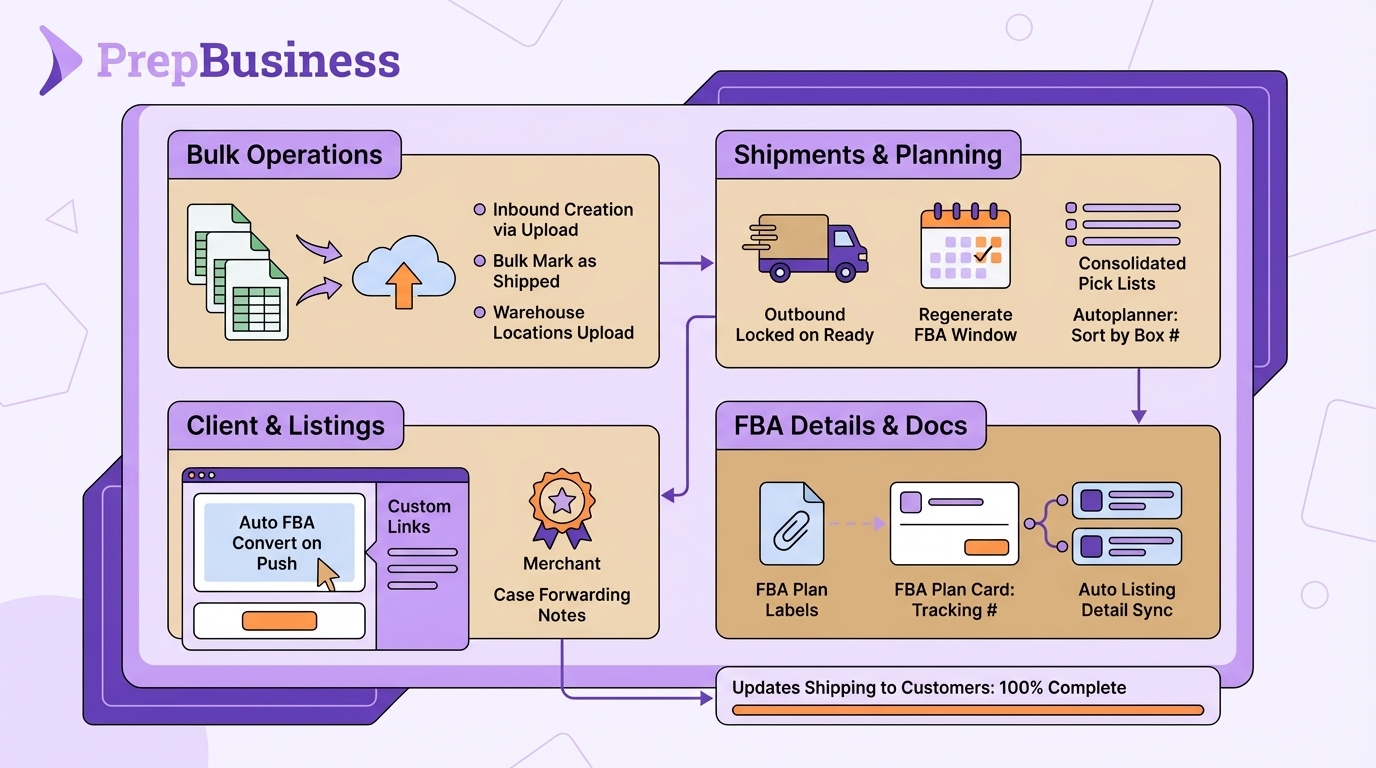
Running a prep centre means handling hundreds of shipments, listings, and warehouse tasks every week. The latest PrepBusiness updates focus on what saves you the most time: bulk operations, smarter FBA workflows, and better visibility across your warehouse.
Here’s what’s new.
Live Updates to Inbound Shipments
Updates to inbound shipment notes, tracking numbers, status, attachments, and tags now reflect live on all pages with that shipment open. When one user updates those properties, the changes are shown immediately for all other users viewing that same shipment — no refresh required.
Do More in Bulk
Three new spreadsheet-based tools let you process large volumes of work in minutes instead of hours:
Create multiple inbound shipments at once. Upload a CSV file, map the columns, verify your items, and create dozens of shipments in a single step. No more creating each shipment individually when a client sends a large batch.
Mark multiple shipments as shipped together. Select any number of open inbound shipments from the list and mark them all as shipped with a single click — ideal when you’re processing a batch of shipments at the end of the day.
Add warehouse locations in bulk. Need to set up a new racking section or reconfigure your warehouse? You can now upload locations via spreadsheet and create them all at once, with column mapping and progress tracking built in.
FBA Workflow Improvements
If your clients ship to Amazon FBA, you’ll notice several quality-of-life improvements:
Listings pushed to Amazon are now automatically set to FBA. Previously, you had to manually convert them after pushing. Now the switch happens automatically, so there’s one fewer step between you and a completed shipment.
Regenerate expired delivery window options without calling support. A new Regenerate button on the Delivery Options step lets you fetch fresh windows whenever the existing ones have expired, without needing to restart the transport workflow.
All tracking numbers for non-partnered shipments visible on the shipment. LTL bill of lading numbers, freight bill numbers, and SPD box tracking IDs are now shown on the FBA plan card with copy-to-clipboard buttons — everything in one place when a client asks where their shipment is.
FBA plan labels in the Attachments tab. Instead of hunting through the transport workflow, FBA labels are now accessible directly from the Attachments tab on any outbound shipment.
Pick Lists & Identifiers
Generate one pick list for multiple shipments. Select several outbound shipments and print a single consolidated pick list with a combined summary page and individual per-shipment pages — saving trips back to the system when picking for multiple clients in one warehouse run.
Scan-to-receive now works for linked listing identifiers. When linking a listing to an item, identifiers are automatically copied to the item record. This fixes scan-to-receive for items that only had identifiers from their Amazon listing rather than stored directly on the item.
For Service Providers
Add custom links to the client sidebar. You can now add external links — like your own portal, shared Google Drives, or third-party tools — to the sidebar your merchants see. Manage these from your service provider settings and they appear for all your merchant accounts.
Invoice PDF attached to payment emails. The “Invoice Ready for Payment” email now includes the invoice PDF as an attachment, so merchants have it in their inbox without needing to log in to download it.
Staff can see which merchants don’t have a connected channel. An amber badge in the merchants list highlights accounts without an active channel connection, so your team can follow up before it becomes a problem.
Bug Fixes & Improvements
- Fixed quantity loss when spreadsheet uploads contain duplicate rows
- FNSKU labels now correctly show expiry dates on the FBA box contents step
- Carrier selection visual feedback restored in FBA transport
- Blocked delivery windows now correctly appear as blocked
- Actual received quantities now transfer correctly when merging inbound shipments
- Fixed incorrect channel connection status shown on the merchants list
- Fixed EU date format being incorrectly parsed in the listings sync process
- FNSKUs are now automatically synced when a dangerous goods error contains an unmatched FNSKU
All updates are available now for all PrepBusiness customers. Questions? Reach out to support@prepbusiness.com.