Ship Smarter: FBA Eligibility Checks and EU Marketplace Selection
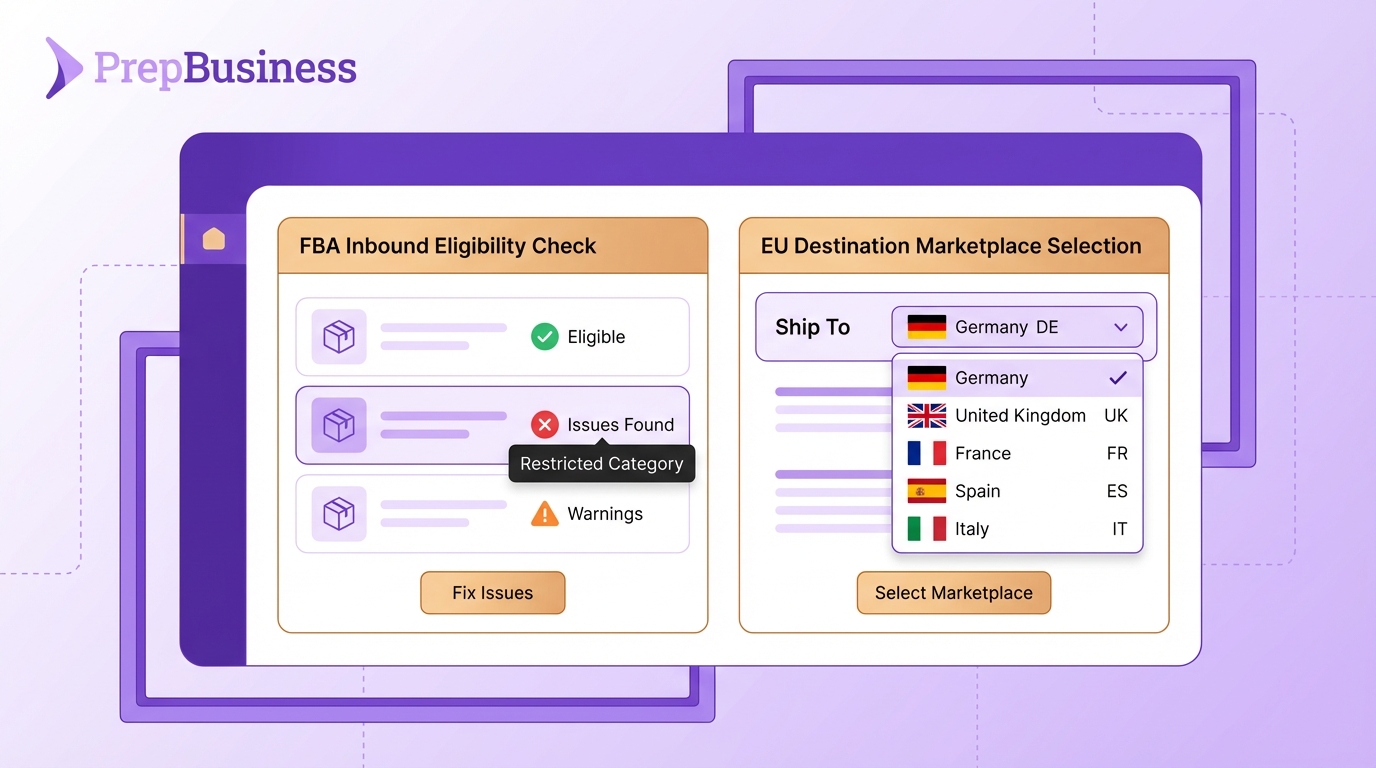
When preparing FBA shipments, knowing exactly which items are eligible—and why some aren’t—saves you time and helps you make better decisions. And for European sellers, having more control over where your inventory goes opens up new fulfillment strategies.
We’ve just released two features that give you more visibility and flexibility in your FBA workflow.
Know Which Items Are Eligible Before You Start
When preparing an FBA transport plan, PrepBusiness now automatically checks each item’s eligibility with Amazon’s FBA Inbound program. Before you even create your plan, you’ll see a clear status badge next to every item.
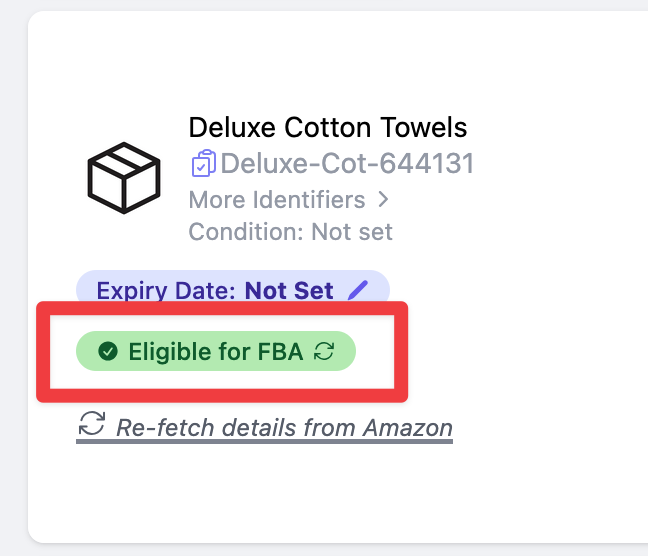
What you’ll see:
- Green badge - Eligible for FBA, ready to include in your plan
- Red badge - Not eligible, with specific details about why
- Loading spinner - Checking status with Amazon
When an item isn’t eligible, a warning panel explains exactly what’s going on. Instead of a vague “not eligible” message, you’ll see the specific reason:
- Item not in the Amazon catalog
- Item not part of the FBA program
- Item requires special approval (hazmat, brand gating, etc.)
- Item condition requirements not met
This clarity helps you understand what action to take—whether that’s resolving the issue, contacting Amazon, or simply excluding the item from this shipment.
EU Sellers: Choose Your Destination Marketplace
European sellers no longer have to ship inventory to their connected marketplace by default. You can now select any EU marketplace as your destination when creating an FBA inbound plan.

How it works:
When creating a new plan, you’ll see three cards: Ship From (your warehouse), For Seller (your Amazon account), and Ship To (destination marketplace). Click Edit on Ship To to choose any available marketplace.
Available destinations include: Germany, UK, France, Spain, Italy, Netherlands, Poland, Sweden, Belgium, Turkey, UAE, Saudi Arabia, Egypt, and India.
Getting Started
Both features are available now for all PrepBusiness customers. The eligibility check runs automatically when you start a new FBA transport plan. EU marketplace selection appears for any seller connected to an EU Amazon channel.
For detailed instructions, see our help documentation: Arrange Transport for Amazon Shipment
Questions? Reach out to support@prepbusiness.com.