Duplicate Inbound Shipments to Cut Repeat Setup
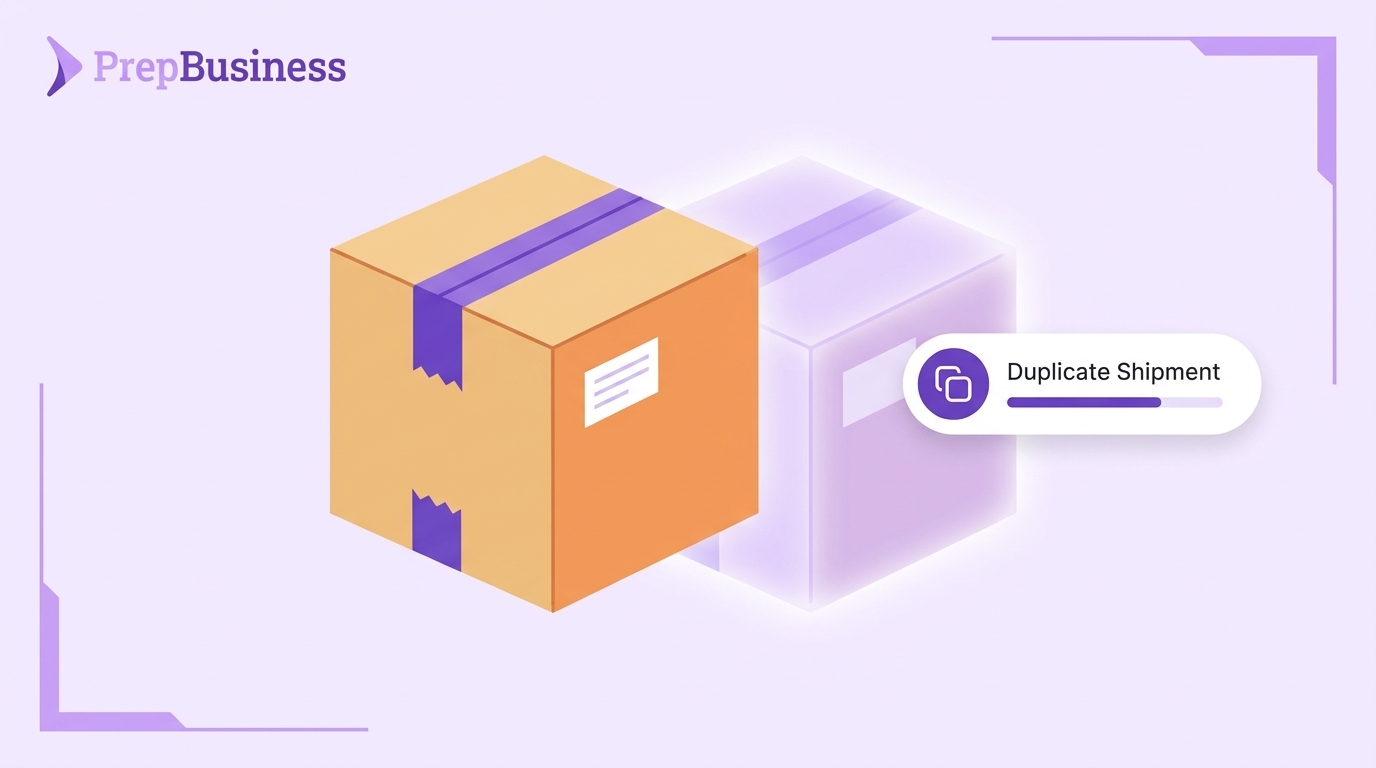
Many shipments into a Prep Center look a lot like the last one. The same client sends the same products to the same warehouse, week after week. Yet each new shipment usually starts as a blank form that someone has to fill in again.
This week’s PrepBusiness update lets you duplicate an inbound shipment and use the copy as the starting point for a new one. It also brings stock grouping and traceability, tracking for German parcel carriers and a cleaner shipment page.
Why rebuilding shipments adds up
An inbound shipment is stock on its way into your warehouse. Recording it ahead of time tells your team what to expect when the boxes arrive.
When a client sends similar shipments again and again, entering each one from scratch is repeat work. Each time is small, but across every regular client it is time your team could spend on the floor.
Duplicate an inbound shipment
You can now duplicate an existing inbound shipment. The copy becomes the starting point for a new shipment, so you begin from something close to what you need instead of an empty one.
Key benefits
- Less repeat entry: Start from a previous shipment rather than a blank form.
- Quicker setup for regular clients: Clients who ship similar stock on a routine are faster to record.
Group stock and manage traceability
You can now group stock and manage traceability directly from inventory.
When you create an inventory adjustment, which is a manual change to stock levels, you can also set a product traceability group. A stock move with no traceability group selected now saves correctly too.
More updates this week
Tracking for German parcel carriers
Tracking and estimated delivery dates now work for German parcel carriers.
A cleaner shipment page on any screen
Shipment item cards have a new layout. Shipment pages also no longer overflow on mobile and medium-sized screens.
Label printing for your clients
Merchants, the sellers you serve in PrepBusiness, can now print FNSKU and barcode labels themselves and view a history of their print jobs. An FNSKU is the barcode Amazon uses to identify a seller’s product.
Smaller fixes
- Shipment attachments now upload directly from your browser, and you can attach .jpeg and .tiff files.
- Tracking numbers that failed to register for tracking updates are now recovered automatically.
- Tracking updates now continue when the tracking provider is busy or temporarily rejects a carrier.
- Refreshing an FBA (Fulfillment by Amazon) plan no longer shows a timeout when a newer refresh has replaced it.
For teams using the PrepBusiness API
If you connect your own tools to PrepBusiness through its API:
- You can override the unit price on a billing service line.
- You can identify products by their UUID, a unique product ID, when adding, updating or removing shipment items.
- Merchant API tokens can now delete their own webhooks, the automatic notifications PrepBusiness sends to another system.
Getting started
These updates are live in PrepBusiness now. For an overview of how inbound shipments work, see our help article: Creating an Inbound Shipment.
Run a Prep Center and want to see how duplicating shipments could fit your operation? Reach out to support@prepbusiness.com.