Apply Services to Multiple Shipments at Once
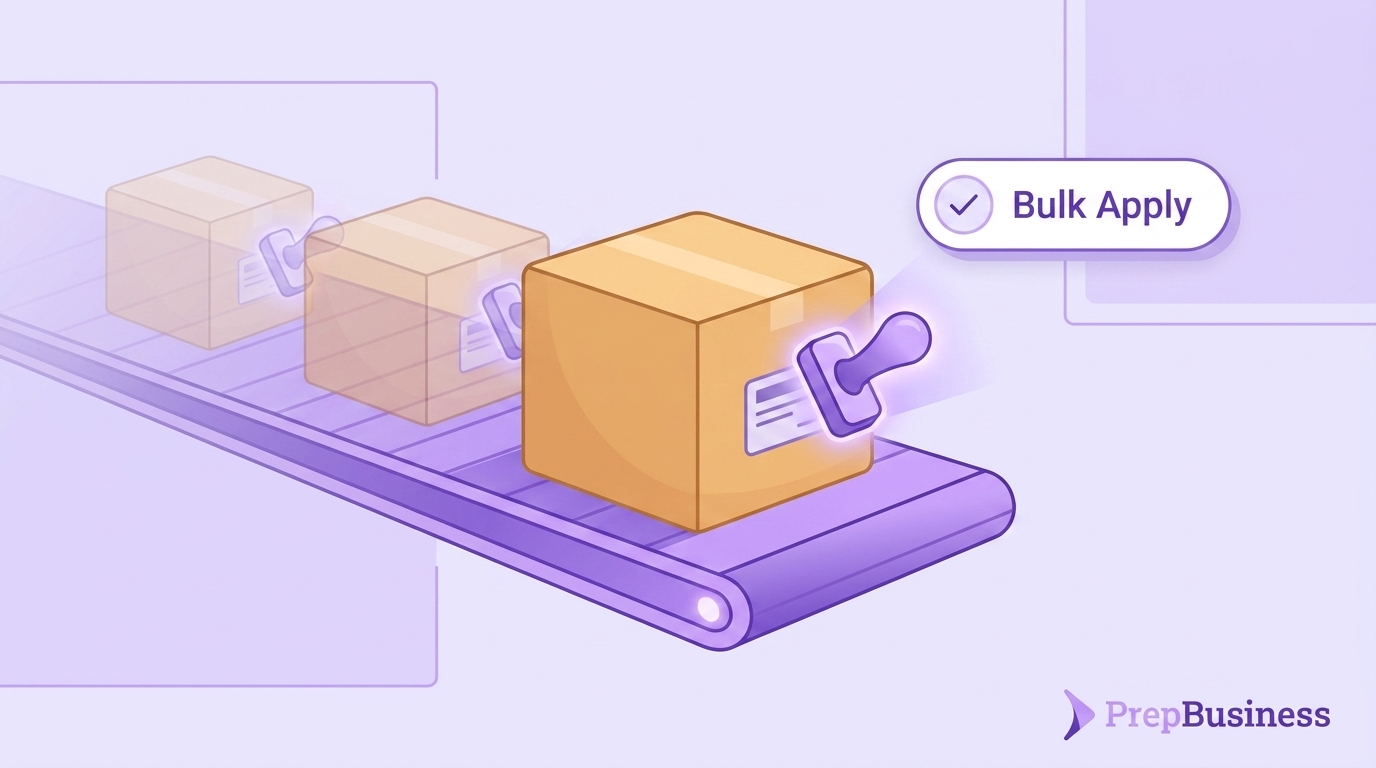
If your prep center adds a service like extra packaging or special labeling to a shipment, someone on your team has probably opened that shipment, applied the service, saved it, then done the same thing again for the next one, and the next. On a busy day with dozens of outbound shipments waiting to go out, that adds up to a lot of repetitive clicking, and it is easy for one or two shipments to get missed entirely.
Outbound shipments in PrepBusiness now support bulk service updates. You can select several shipments at once and apply or remove a service across all of them in a single action, instead of opening each shipment individually.
Why this matters for prep centers
Applying services one shipment at a time is not just slow, it is a place where revenue quietly leaks out. If a service gets missed on even a few shipments during a busy week, that is work your team performed but never billed for. Multiply that across every outbound shipment in a month and the lost revenue adds up, even though nothing was actually wrong with the work itself.
It also costs staff time that could go toward moving product, not toward repeating the same few clicks across a long list of shipments. The more shipments a prep center handles, the more that time adds up.
Apply or unapply services across shipments
Bulk updates work the way you would expect. Select the outbound shipments you want to update, choose the service, and apply it across the whole selection at once. Need to remove a service instead, for shipments where it no longer applies? The same bulk action works in reverse, so correcting a batch of shipments takes one pass instead of one shipment at a time.
The result is shipment records that reflect the services actually performed, without a separate manual step for each one.
Also this week
A few smaller fixes shipped alongside this. The support chat widget could sometimes load without its correct styling, making it look broken even though it still worked. That is fixed. We also fixed an issue where the feedback form could fail to load for some users, so it now loads reliably. And in the putaway workflow, we refreshed the on-screen guidance and added animations, so each step is clearer as you move received items into storage.
None of these are large changes on their own, but together they are the kind of steady polish that makes the day to day work of running a prep center a little smoother.
Getting started
Bulk apply and unapply is available now for all PrepBusiness customers on outbound shipments, no setup required. If you are evaluating software to run your prep center and want to see how it handles service billing across shipments, schedule a demo and we’ll walk through it with your own workflow.